mirror of
https://github.com/Icinga/icingaweb2-module-businessprocess.git
synced 2025-12-18 15:06:17 -05:00

905 B
905 B
Upload a Configuration File
You can upload a formerly downloaded or even a manually created file directly through the web frontend. Given sufficient permissions, the Dashboard provides a related link:
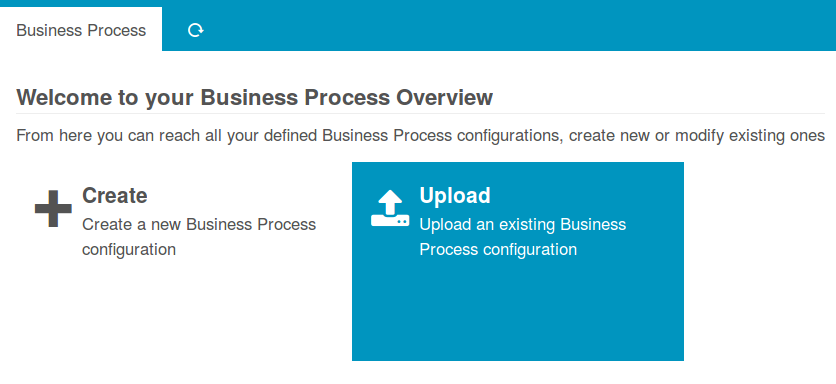
Chose a file
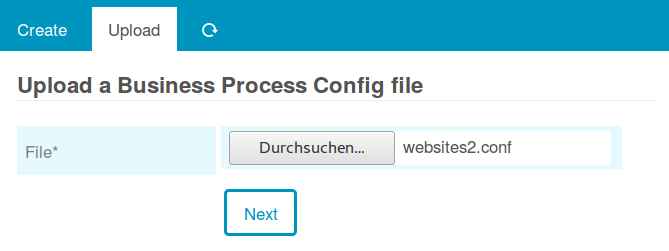
This can be any file:
It should be valid of course, but don't worry - Icinga Business Process Modeling protects you from syntax errors:
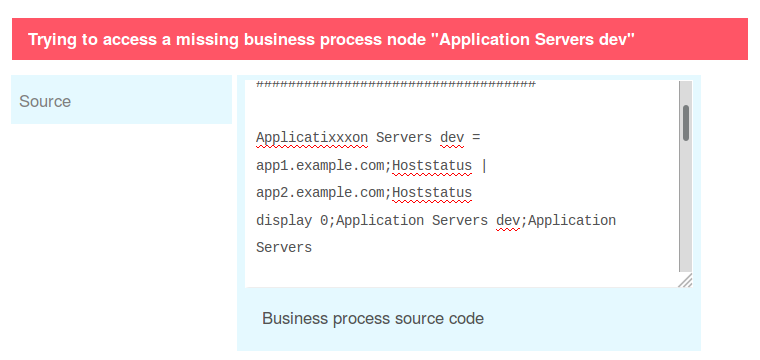
Just for fun you could try to upload an image or whatever you want - it will not break. It will also protect you from accidentally overwriting existing files:
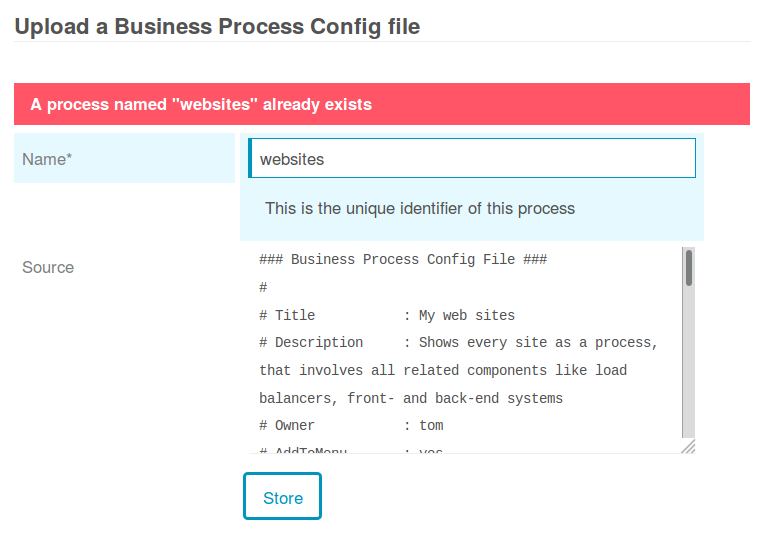
So in case you need to replace an existing process, please delete it before uploading a new one.