 cc9e0ba582
Two CI failures introduced by the test additions in this PR: 1. testEd25519VerifyAcceptedWhenSodiumLoaded calls setSignature() to inject an externally-produced Ed25519 signature (since Algorithm::sign() rejects Ed25519 by design). setSignature was declared protected, so the test couldn't call it from outside the class hierarchy. Make it public — SignedRequest lives in the OC\ private namespace, so this widens internal-only visibility, not the public API surface. 2. testParseKeyRejectsContradictoryAlg expected firebase/php-jwt's JWK::parseKey() to throw on a kty=OKP/crv=Ed25519/alg=ES256 key. The current firebase/php-jwt version does not validate that coherence at parse time, so the test now fails to see any throwable. The actual security check happens at Algorithm::verify() time and is covered by testVerifyEd25519KeyAgainstES256Alg right above it. Skip the parse-time test with a comment pointing at the verify-time coverage. Signed-off-by: Micke Nordin <kano@sunet.se> |
||
|---|---|---|
| .devcontainer | ||
| .github | ||
| .idea | ||
| .tx | ||
| 3rdparty@3de76a3664 | ||
| apps | ||
| build | ||
| config | ||
| contribute | ||
| core | ||
| cypress | ||
| dist | ||
| lib | ||
| LICENSES | ||
| ocs | ||
| ocs-provider | ||
| resources | ||
| tests | ||
| themes | ||
| vendor-bin | ||
| .editorconfig | ||
| .envrc | ||
| .git-blame-ignore-revs | ||
| .gitattributes | ||
| .gitignore | ||
| .gitmodules | ||
| .htaccess | ||
| .jshintrc | ||
| .mailmap | ||
| .nextcloudignore | ||
| .npmignore | ||
| .php-cs-fixer.dist.php | ||
| .pre-commit-config.yaml | ||
| .tag | ||
| .user.ini | ||
| __mocks__ | ||
| __tests__ | ||
| AUTHORS | ||
| autotest-checkers.sh | ||
| autotest-external.sh | ||
| autotest.sh | ||
| CHANGELOG.md | ||
| CODE_OF_CONDUCT.md | ||
| codecov.yml | ||
| composer.json | ||
| composer.lock | ||
| console.php | ||
| COPYING | ||
| COPYING-README | ||
| cron.php | ||
| custom.d.ts | ||
| cypress.config.ts | ||
| DESIGN.md | ||
| eslint.config.js | ||
| flake.lock | ||
| flake.nix | ||
| index.html | ||
| index.php | ||
| Makefile | ||
| occ | ||
| openapi.json | ||
| package-lock.json | ||
| package.json | ||
| psalm-ncu.xml | ||
| psalm-ocp.xml | ||
| psalm-strict.xml | ||
| psalm.xml | ||
| public.php | ||
| README.md | ||
| remote.php | ||
| REUSE.toml | ||
| robots.txt | ||
| SECURITY.md | ||
| status.php | ||
| stylelint.config.js | ||
| tsconfig.json | ||
| version.php | ||
| vite.config.ts | ||
| vitest.config.ts | ||
| window.d.ts | ||
Nextcloud Server ☁

A safe home for all your data.
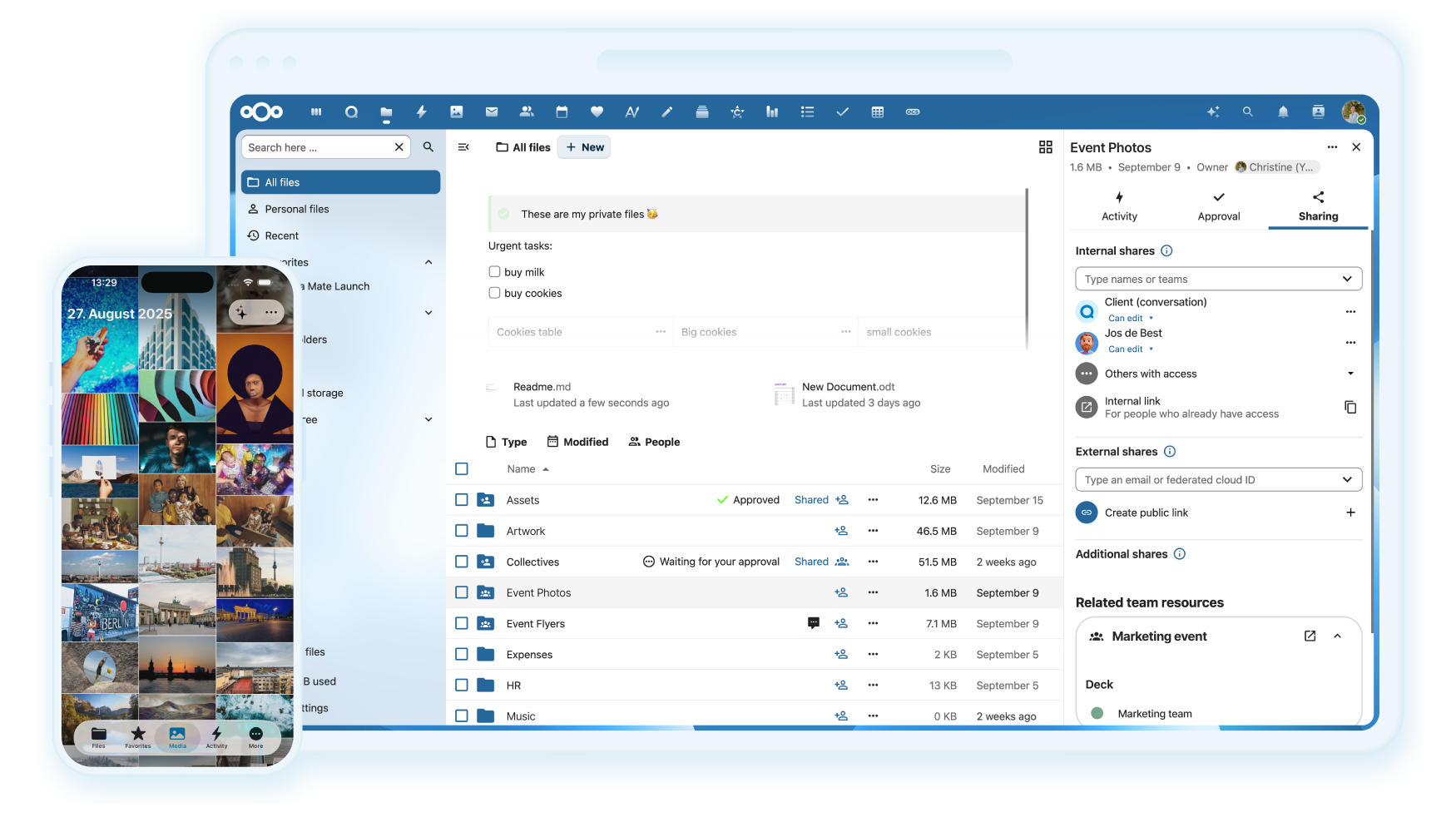
Why is this so awesome? 🤩
- 📁 Access your Data You can store your files, contacts, calendars, and more on a server of your choosing.
- 🔄 Sync your Data You keep your files, contacts, calendars, and more synchronized amongst your devices.
- 🙌 Share your Data …by giving others access to the stuff you want them to see or to collaborate with.
- 🚀 Expandable with hundreds of Apps ...like Calendar, Contacts, Mail, Video Chat and all those you can discover in our App Store
- 🔒 Security with our encryption mechanisms, HackerOne bounty program and two-factor authentication.
Do you want to learn more about how you can use Nextcloud to access, share, and protect your files, calendars, contacts, communication & more at home and in your organization? Learn about all our Features.
Get your Nextcloud 🚚
- ☑️ Simply sign up at one of our providers either through our website or through the apps directly.
- 🖥 Install a server by yourself on your hardware or by using one of our ready-to-use appliances
- 📦 Buy one of the awesome devices coming with a preinstalled Nextcloud
- 🏢 Find a service provider who hosts Nextcloud for you or your company
Enterprise? Public Sector or Education user? You may want to have a look into Nextcloud Enterprise provided by Nextcloud GmbH.
Get in touch 💬
You can also get support for Nextcloud!
Join the team 👪
There are many ways to contribute, of which development is only one! Find out how to get involved, including as a translator, designer, tester, helping others, and much more! 😍
Development setup 👩💻
- 🚀 Set up your local development environment
- 🐛 Pick a good first issue
- 👩🔧 Create a branch and make your changes. Remember to sign off your commits using
git commit -sm "Your commit message" - ⬆ Create a pull request and
@mentionthe people from the issue to review - 👍 Fix things that come up during a review
- 🎉 Wait for it to get merged!
Third-party components are handled as git submodules which have to be initialized first. So aside from the regular git checkout invoking git submodule update --init or a similar command is needed, for details see Git documentation.
Several apps that are included by default in regular releases such as First run wizard or Activity are missing in master and have to be installed manually by cloning them into the apps subfolder.
Otherwise, git checkouts can be handled the same as release archives, by using the stable* branches. Note they should never be used on production systems.
Tools we use 🛠
- 👀 BrowserStack for cross-browser testing
- 🌊 WAVE for accessibility testing
- 🚨 Lighthouse for testing performance, accessibility, and more
Helpful bots at GitHub 🤖
- Comment on a pull request with
/update-3rdpartyto update the 3rd party submodule. It will update to the last commit of the 3rd party branch named like the PR target.
Ignore code style updates in git blame
git config blame.ignoreRevsFile .git-blame-ignore-revs
Contribution guidelines 📜
All contributions to this repository from June 16, 2016, and onward are considered to be licensed under the AGPLv3 or any later version.
Nextcloud doesn't require a CLA (Contributor License Agreement). The copyright belongs to all the individual contributors. Therefore we recommend that every contributor adds the following line to the AUTHORS file if they made substantial changes to the code:
- <your name> <your email address>
Please read the Code of Conduct. This document offers some guidance to ensure Nextcloud participants can cooperate effectively in a positive and inspiring atmosphere and to explain how together we can strengthen and support each other.
Please review the guidelines for contributing to this repository.
More information on how to contribute: https://nextcloud.com/contribute/