| .github | ||
| conf | ||
| doc | ||
| docker | ||
| manifest | ||
| private | ||
| requirement | ||
| script | ||
| test/code_generator | ||
| .editorconfig | ||
| .erplibre-semver-version | ||
| .flake8 | ||
| .gitignore | ||
| .prettierignore | ||
| CHANGELOG.md | ||
| coverage_run.sh | ||
| docker-compose-dev.yml | ||
| docker-compose.yml | ||
| env_var.sh | ||
| install.sh | ||
| LICENSE | ||
| Makefile | ||
| odoo_bin.sh | ||
| package-lock.json | ||
| package.json | ||
| poetry.toml | ||
| README.md | ||
| run.sh | ||
| source_repo_addons.csv | ||
| test.sh | ||
| TODO.md | ||

ERPLibre
ERPLibre is a CRM/ERP platform including automated installation, maintenance, and development of open source modules of the Odoo community version. It is a "soft-fork" of the Odoo Community Edition (OCE), meaning it aims at contributing back upstream. It is based on a set of production-ready modules, supported by the Odoo Community Association (OCA) and an ecosystem of specialized companies. This solution ensures digital sovereignty in a local environment while integrating pre-trained Generative Transformers (GPT), bringing an additional dimension to data management and automation.
Follow us on Mastodon : https://fosstodon.org/@erplibre
Installation
Easy installation on Ubuntu or Debian using Docker
This has been tested in Debian 12 and Ubuntu 24.04 LTS.
Note : This is meant for a test environment, on a local network or similar environment not directly exposed to the Internet.
-
Make sure Docker and nginx web server are installed:
sudo apt install docker docker-compose nginx -
Get the latest ERPLibre Docker compose file:
wget https://raw.githubusercontent.com/ERPLibre/ERPLibre/v1.6.0/docker-compose.yml -
Install and run ERPLibre with Docker running as a daemon (web server):
sudo docker-compose up -d -
Open the final installation step at this web page :
http://[server IP]:8069
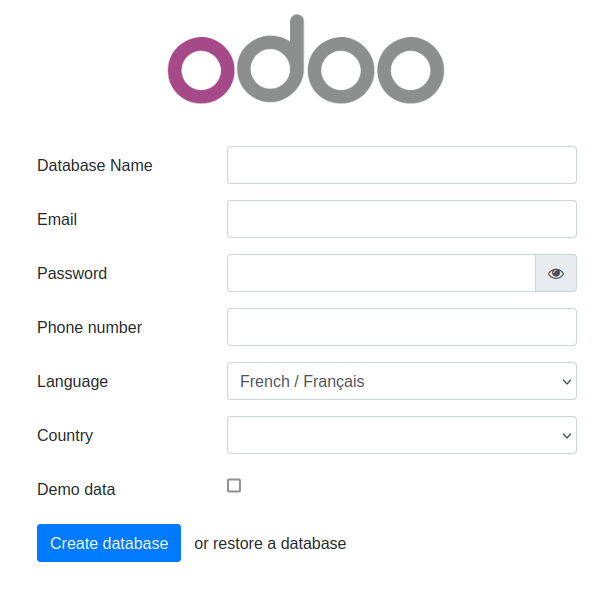
-
Finish the installation by providing a database name, email and password. then click on Create Database. Depending on your system resources this may take more than 2 minutes without feedback ! Check your browser loading indicator.
-
Next, the web page will reload itself, and you should see the Applications list in ERPLibre:
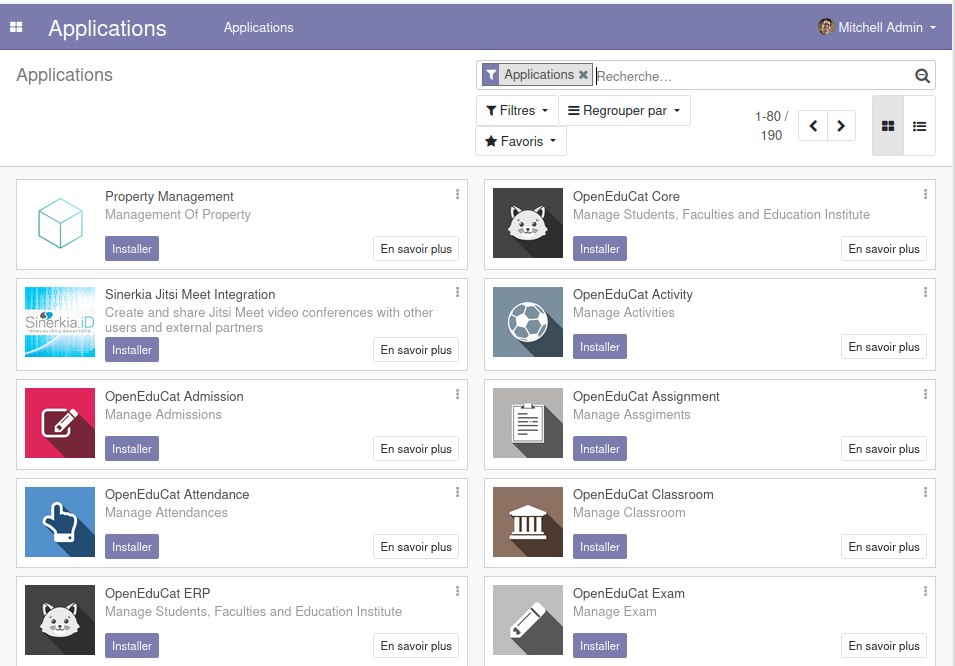
You can now personalize your ERPLibre installation.
For more information, read Docker guide.
Install from source code
Automated installation
For Debian/Ubuntu
sudo apt install make python
Clone the project:
git clone https://github.com/ERPLibre/ERPLibre.git
cd ERPLibre
Follow the instruction on the following script, it will try to detect your environment.
./install.sh
Manually
Into Ubuntu, minimal dependency:
sudo apt install make git curl
Into Ubuntu, developer dependency:
sudo apt install make build-essential libssl-dev zlib1g-dev libreadline-dev libsqlite3-dev curl llvm libncurses5-dev libncursesw5-dev xz-utils tk-dev liblzma-dev libbz2-dev libldap2-dev libsasl2-dev
Clone the project:
git clone https://github.com/ERPLibre/ERPLibre.git
cd ERPLibre
Support Ubuntu 20.04, 22.04, 24.04 and OSX. The installation duration is more than 30 minutes.
make install_os
make install_odoo_16
Update your configuration if you need to run from another interface than 127.0.0.1, file config.conf
xmlrpc_interface = 0.0.0.0
Show version :
make version
Ready to execute:
make run
For Windows
For Windows, read WINDOWS_INSTALLATION.md
Discover guide
Guide to run ERPLibre in discover to learn it.
Production guide
Guide to run ERPLibre in production server.
Development guide
Guide to run ERPLibre in development environment.
Execution
Guide to run ERPLibre with different case.
git-repo
To change repository like addons, see GIT_REPO.md
Test
Execute ERPLibre test with his code generator.
time make test_full_fast